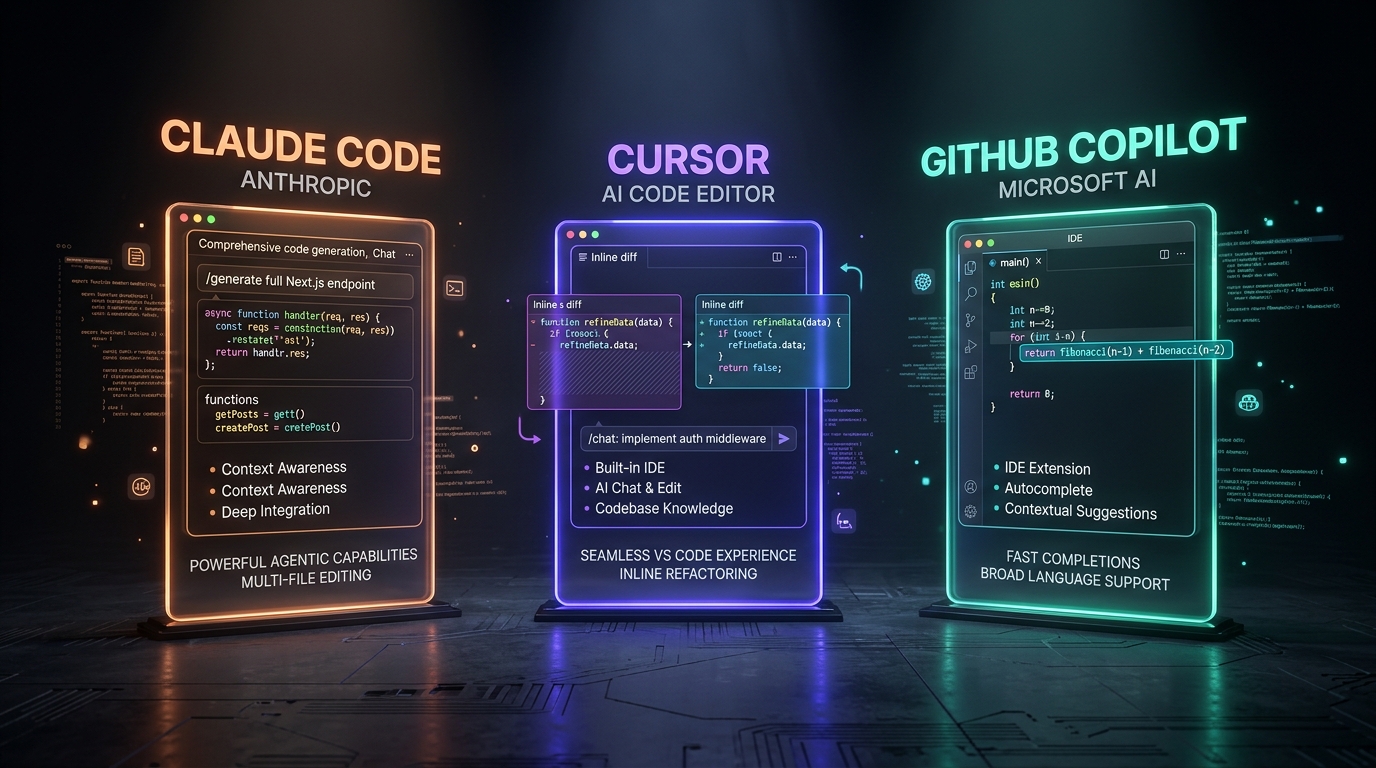
Every one of these tools will happily write you a working function. The differences that actually matter show up once you're deep in a real codebase: multi-file changes, existing conventions to follow, and code you'll still be maintaining in six months. Here's how they actually differ in practice.
Which AI Coding Tool Wins in 2026?
Cursor wins for editor-native velocity and inline edits within a familiar VS Code shell. Claude Code excels at complex, repository-wide multi-file refactors executed autonomously from the terminal via Anthropic API tokens. GitHub Copilot remains best for enterprise compliance, friction-free ghost-text completions, and existing GitHub workflow integration.
Comparison: Claude Code vs Cursor vs GitHub Copilot
| Tool / Method | Context Window | Latency / Speed | Pricing / Token Costs | Offline / Local Support | Best Use Cases |
|---|---|---|---|---|---|
| Cursor | 200k tokens (Claude 3.5 Sonnet / GPT-4o) | Sub-second inline edits; 3-8s composer turns | $20/mo Pro (500 fast requests); API key BYOK option | Local index; remote inference via cloud APIs | Interactive editor workflows, inline refactoring, UI components |
| Claude Code | 200k tokens (Anthropic Claude 3.5 / 3.7) | 5-30s autonomous agent loops across full repo | Direct Anthropic API tokens ($3/M in, $15/M out) | Local CLI tool; queries remote Anthropic endpoints | Repo-wide refactors, test suite generation, headless migrations |
| GitHub Copilot | 8k-128k tokens (model dependent) | Real-time ghost-text autocomplete (< 200ms) | $10/mo Individual, $19/user/mo Business; flat subscription | Cloud inference only; enterprise telemetry controls | Inline code completion, PR summaries, enterprise compliance |
Cursor: The AI-Native Editor
Cursor is a fork of VS Code rebuilt around AI from the ground up, so every interaction - inline edits, chat, multi-file "composer" changes - has full context of your open files by default.
- Best at: fast iteration inside a familiar editor UI, tight inline-edit loops, teams already on VS Code.
- Watch out for: its Agent mode can run terminal commands on its own - worth restricting what it can execute before you hand it a real task.
- Pick it if: you want the lowest-friction way to bring AI into an editor you already know.
Claude Code - the terminal-native agent
Claude Code lives in your terminal, not an editor window. You describe a task, it reads across your whole repository, plans a multi-step change, and comes back with a diff - closer to delegating to a contractor than autocompleting a line.
- Best at: larger, cross-file changes - migrations, refactors, "implement this feature end to end."
- Watch out for: it's only as good as the project context you give it; a well-written CLAUDE.md-style instructions file makes a real difference.
- Pick it if: you want to hand off a scoped chunk of work and review a finished diff, not co-write line by line.
GitHub Copilot - the incumbent
Copilot is still the most widely deployed AI coding assistant inside actual companies, mostly because it's already built into the tools and workflows (VS Code, JetBrains, GitHub PRs) that teams were using anyway.
- Best at: inline completions while you type, and fitting into an existing team's PR/review process without changing how anyone works.
- Watch out for: its chat and agent features have historically lagged Cursor and Claude Code on genuinely autonomous, multi-file work.
- Pick it if: your team is already on GitHub and wants the path of least organizational resistance.
So which one should you actually learn first?
If you can only learn one: Cursor, because the editor-integrated workflow is the fastest way to build the reviewing instincts that transfer to every other tool. But the honest answer for 2026 is that none of these fully replaces the others - professional developers are increasingly fluent in at least two, switching based on whether they're doing quick inline edits or handing off a larger, scoped task.
The tool matters less than the habit that separates people who ship reliable software from people who ship broken vibe-coded prototypes: reading the diff before you accept it, every time.