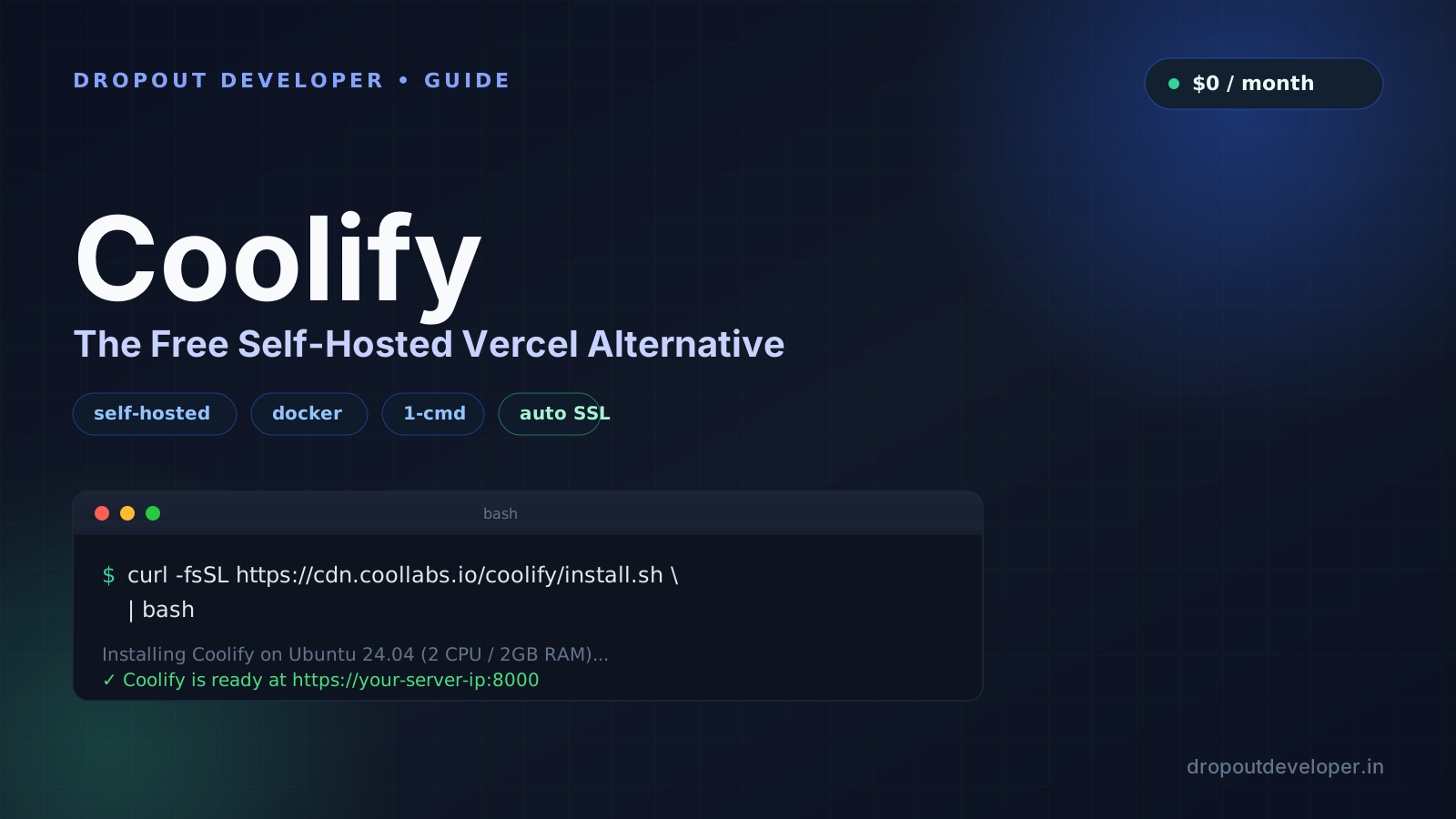
The Vercel Bill That Made Me Look Twice
I know a small team running a side project on Vercel. Two developers, a couple of preview branches a week, nothing fancy. Their bill last month was way higher than they expected. Not because the app was doing anything crazy, but because Vercel charges per seat and then bills you again once you cross the free bandwidth limit.
That is the part nobody warns you about. You sign up on the free plan, ship a few features, get a bit of real traffic, and suddenly there is an overage charge for bandwidth you did not even know you were using.
What Coolify Actually Is
Coolify is an open source PaaS (platform as a service) that runs on your own server. Think of it as your own private Vercel or Heroku, except you own the box and nobody sends you a bandwidth bill at the end of the month. It is built fully in the open, source and all, at github.com/coollabsio/coolify, so you can read exactly what it does before you run it on your server.
Once it is installed, you get:
- Automatic deployments on every git push
- PR preview deployments, same idea as Vercel
- One-click databases: Postgres, MySQL, Redis, MongoDB, with automatic backups
- Automatic SSL through Let's Encrypt
No port forwarding to configure. No vendor lock-in. If you ever move servers, you take Coolify and every app on it with you.
Installing It: One Command
You need a fresh Ubuntu or Debian VPS. Run this as root:
curl -fsSL https://cdn.coollabs.io/coolify/install.sh | bashThat is the whole install. Wait a few minutes, then open your server's IP on port 8000 in a browser and finish the setup wizard.
How Big a Server Do You Actually Need
Coolify's own docs list 2 CPU cores, 2 GB RAM, and 10 GB disk as the minimum. That runs Coolify itself plus a small app or two, nothing more.
For anything real, give it more room. A 2 CPU / 4 GB+ box, something like a Hetzner CAX11, comfortably runs several small apps and a database side by side.
Here is the part I actually use: Oracle Cloud's Always Free tier gives you an Arm VM with 2 OCPUs and 12 GB RAM, for zero rupees, forever. That is more than enough room to run Coolify plus a handful of side projects without touching your wallet.
Getting SSL Working (No Manual Certificates)
This is the step people mess up. Coolify handles SSL for you, but DNS has to be correct first:
- Point your domain's A record at your VPS's public IP.
- Add that domain to your app or service inside Coolify, under Settings, Domains.
- Turn on Force HTTPS.
Once DNS resolves, Coolify requests and renews the Let's Encrypt certificate on its own. You do not touch certbot, you do not hand-edit nginx config.
Coolify vs Vercel: The Real Difference
| Vercel | Coolify (self-hosted) |
|---|---|
| Per-seat pricing on paid plans | $0, you already pay for the server |
| Bandwidth overage charges past the free limit | No egress billing, it is your own server |
| Fully managed, zero server admin | You manage the VPS, but zero vendor lock-in |
| Git push deploys, PR previews | Same: git push deploys, PR previews, one-click databases |
Should You Actually Switch?
If you are a solo developer or a small team running a handful of full-stack apps, and per-seat pricing plus bandwidth fees feels like a bad trade for something you can set up yourself in under twenty minutes, then yes.
If you need edge functions running in hundreds of locations worldwide and a team that does not want to touch a terminal, stick with Vercel. Different tools for different jobs.
I put together the full walkthrough, install to first deploy, on the How Tech Runs channel if you want to watch it end to end. Bookmark this page for the exact commands, it is not going anywhere.