The Higgsfield 24-Hour Trial Trap
Search feeds are packed with clips claiming Higgsfield AI gives you unlimited free video generation. When you actually click through to try it, you hit a classic subscription wall:
- Credit Card Required Upfront: You cannot test the platform without entering billing details first.
- The 24-Hour Auto-Renew: The trial gives you a 24-hour window before automatically billing $49 per month ($588 per year).
- Zero Permanent Free Credits: Once you cancel the trial, your account drops to 0 credits. There is no permanent free tier.
Even worse, many commercial AI video platforms act as multi-model aggregators: they wrap existing foundation models behind a slick web UI and charge you a monthly reseller markup. Instead of renting a web wrapper for $588 a year, you can run the actual open-weight foundation models yourself for $0.
Meet Wan 2.1: Open-Weight AI Video Under Apache 2.0
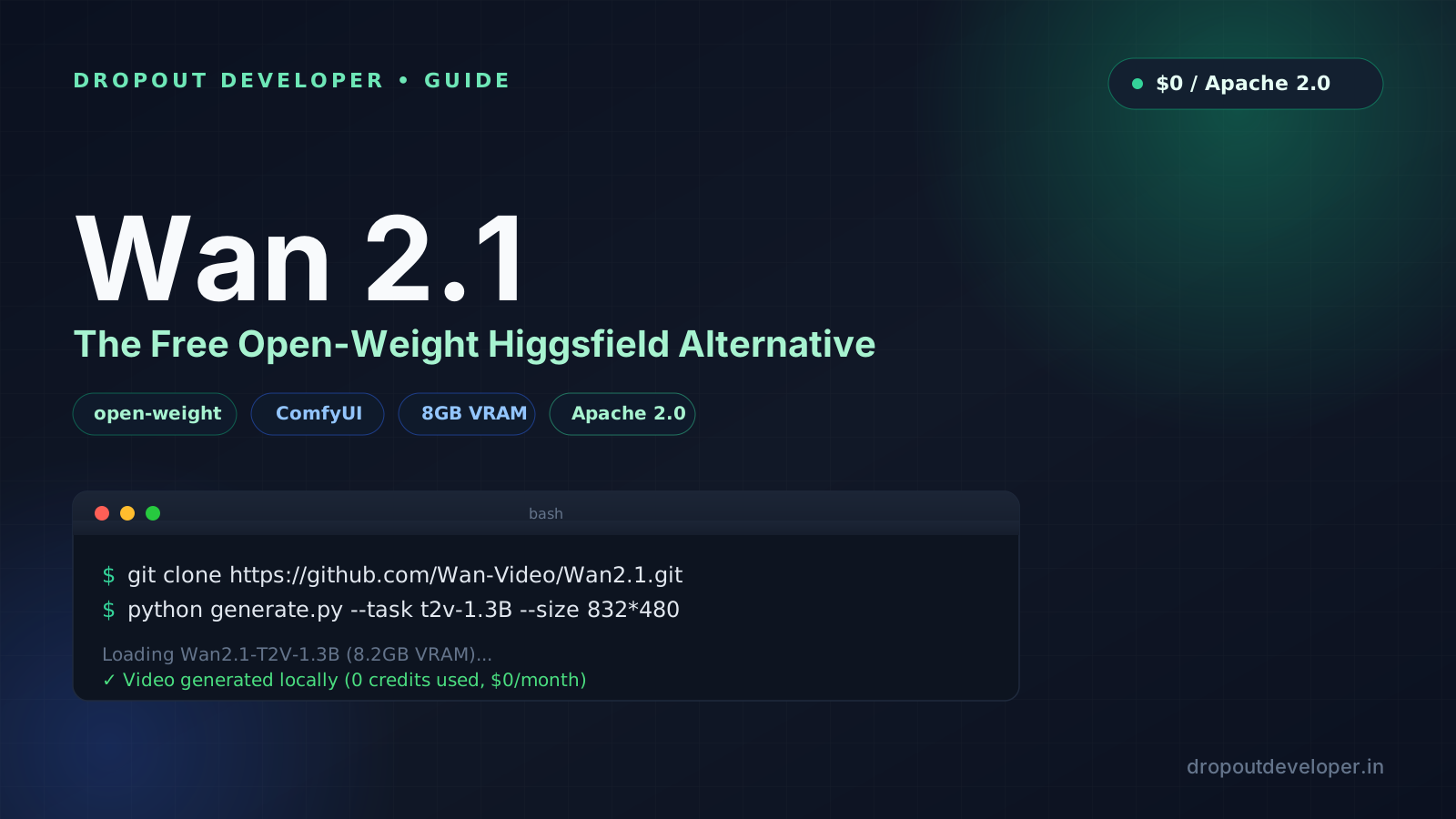
Wan 2.1 (developed by Alibaba's Tongyi Lab) is an open-weight video foundation model released under the permissive Apache 2.0 license. You can inspect the code, download the weights, and use everything you generate commercially without paying a cent in royalties or monthly subscriptions.
Official links:
- GitHub Repository: github.com/Wan-Video/Wan2.1
- Hugging Face Models & Free Spaces: huggingface.co/Wan-AI
Which Wan 2.1 Model Size Should You Pick?
Wan 2.1 comes in two primary variants so you do not need a data-center GPU to run it:
- Wan2.1-T2V-1.3B (Consumer GPU Friendly): Requires only 8.19 GB of VRAM. Runs smoothly on consumer cards like the NVIDIA RTX 3060, RTX 4060, or RTX 4070. Generates a 5-second 480p clip in roughly 3 to 4 minutes locally.
- Wan2.1-T2V-14B & I2V-14B (Studio Flagship): Built for 720p cinematic text-to-video and image-to-video with top-tier motion physics and temporal consistency. Best run on 24GB+ GPUs (RTX 3090 / 4090) or quantized in ComfyUI (FP8 / GGUF).
Method 1: Run Wan 2.1 in ComfyUI (Fastest Local Setup)
ComfyUI has native support for Wan 2.1 built directly into its core nodes, meaning you do not even need third-party custom nodes to get started.
Step 1: Update ComfyUI
Make sure your ComfyUI installation is up to date so the native Wan 2.1 nodes are available:
cd ComfyUI
git pull
pip install -r requirements.txt
Step 2: Download the Model Files
Grab the official ComfyUI-repackaged weights from Comfy-Org/Wan_2.1_ComfyUI_repackaged on Hugging Face and place them into your ComfyUI directories:
- Diffusion Model (e.g.,
wan2.1_t2v_1.3B_bf16.safetensors) goes into:ComfyUI/models/diffusion_models/ - Text Encoder (
umt5_xxl_fp8_e4m3fn_scaled.safetensors) goes into:ComfyUI/models/text_encoders/ - VAE (
wan_2.1_vae.safetensors) goes into:ComfyUI/models/vae/
Step 3: Load the Workflow and Generate
Open ComfyUI in your browser, go to Workflow > Browse Templates > Video, and select the Wan 2.1 Text-to-Video or Image-to-Video template. Type your prompt, hit Queue Prompt, and generate unlimited clips locally with zero credit limits.
Method 2: Command-Line Python Setup (Direct Repo)
If you prefer running Wan 2.1 directly from the terminal or inside a cloud notebook (like Google Colab or Kaggle), clone the official repository:
git clone https://github.com/Wan-Video/Wan2.1.git
cd Wan2.1
pip install -r requirements.txt
Download the 1.3B checkpoint from Hugging Face using the CLI:
pip install "huggingface_hub[cli]"
huggingface-cli download Wan-AI/Wan2.1-T2V-1.3B --local-dir ./Wan2.1-T2V-1.3B
Run single-GPU text-to-video inference:
python generate.py \
  --task t2v-1.3B \
  --size 832*480 \
  --ckpt_dir ./Wan2.1-T2V-1.3B \
  --offload_model True \
  --t5_cpu \
  --prompt "A cinematic tracking shot of a cyberpunk street in the rain, neon reflections, 4k photorealistic"
Passing --offload_model True and --t5_cpu keeps peak VRAM usage around 8 GB so it never crashes on an RTX 4060 or 3060.
2 More Real $0 Alternatives (Even Without a Local GPU)
What if you are on a lightweight laptop without an NVIDIA graphics card? You still do not need to pay Higgsfield $49 a month:
- Wan 2.1 on Hugging Face Spaces: Head to huggingface.co/Wan-AI and open their official Gradio Space to test prompts in the browser for free.
- Kling AI Direct (66 Free Daily Credits): Instead of paying an aggregator that wraps Kling, go directly to klingai.com. Signing in gives you 66 free credits every 24 hours (enough for 3 to 6 clips every single day) with zero credit card required.
- Lightricks LTX-Video: Another open-source model (github.com/Lightricks/LTX-Video) that generates video faster than real-time and runs comfortably inside ComfyUI on 8GB consumer GPUs.
Higgsfield vs Wan 2.1: Quick Comparison
| Feature | Higgsfield AI | Wan 2.1 (Open-Weight) |
|---|---|---|
| Monthly Cost | $49/month ($588/year) after 24h trial | $0 forever |
| Credit Card Required | Yes, upfront before testing | No |
| Permanent Free Credits | 0 credits after trial ends | Unlimited local generations |
| Minimum Hardware | Web browser (cloud wrapper) | 8GB VRAM GPU (1.3B) or Free HF Spaces |
| Commercial License | Tied to active paid subscription | Permissive Apache 2.0 license |
The Verdict: Never Rent a Wrapper
Web wrappers come and go, hike their prices, and lock your workflow behind credit counters. By setting up Wan 2.1 in ComfyUI once, you own the weights on your own drive and can generate as many clips as your hardware allows for $0.